
 By
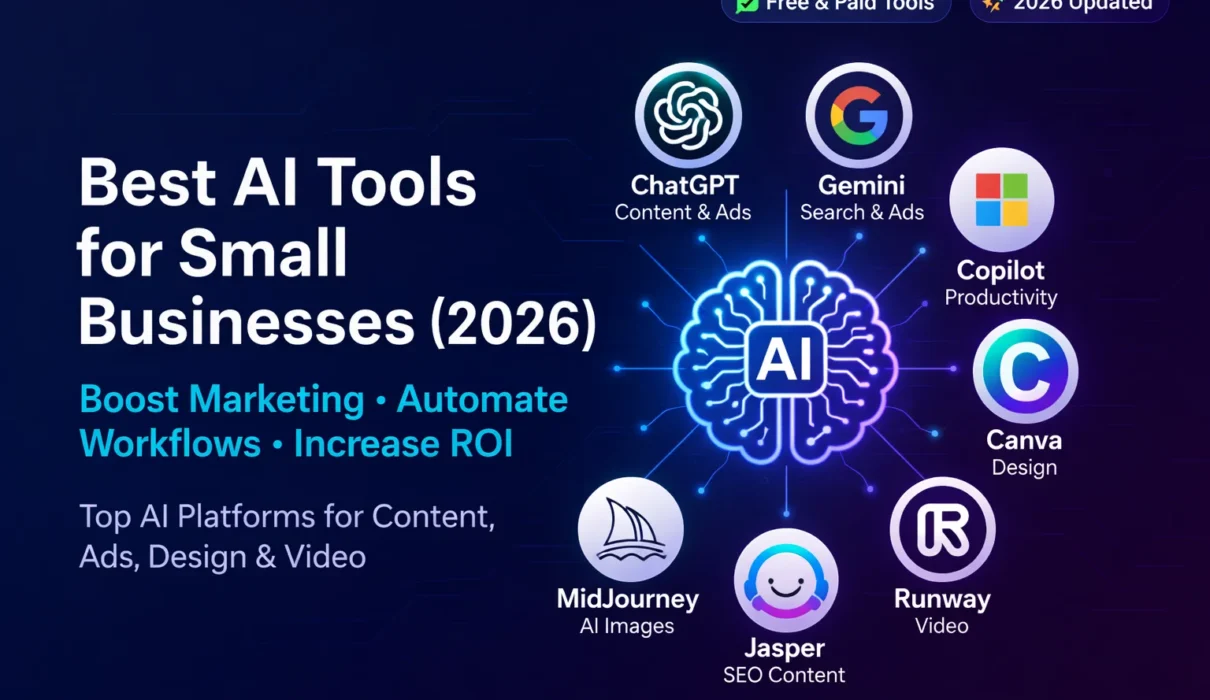
By Artificial Intelligence is now accessible to businesses of all sizes In 2026, smart automation, content generation, ad optimization, and design tools are helping small companies compete at scale. The rightAI Tools for Small Businesses can reduce costs, improve marketing performance, and increase overall productivity.This guide covers the top 7 platforms that help small businesses generate leads, create content, design visuals, automate workflows, and boost ROI.
In 2026, over 60% of small businesses are using AI tools to automate marketing, improve advertising ROI, and boost productivity. From generating high-converting ads to designing visuals and optimizing SEO, AI is helping startups compete with larger companies. Even niche industries like real estate are leveraging solutions such as an AI Real Estate Assistant to automate property listings, respond to client inquiries, and generate leads faster. If you’re looking for the best AI tools for small businesses to reduce costs and increase growth, this guide covers the top platforms you should consider.
Boost Your Marketing with ChatGPT: AI-Powered Ad Copy, Intelligent Keywords & App Performance
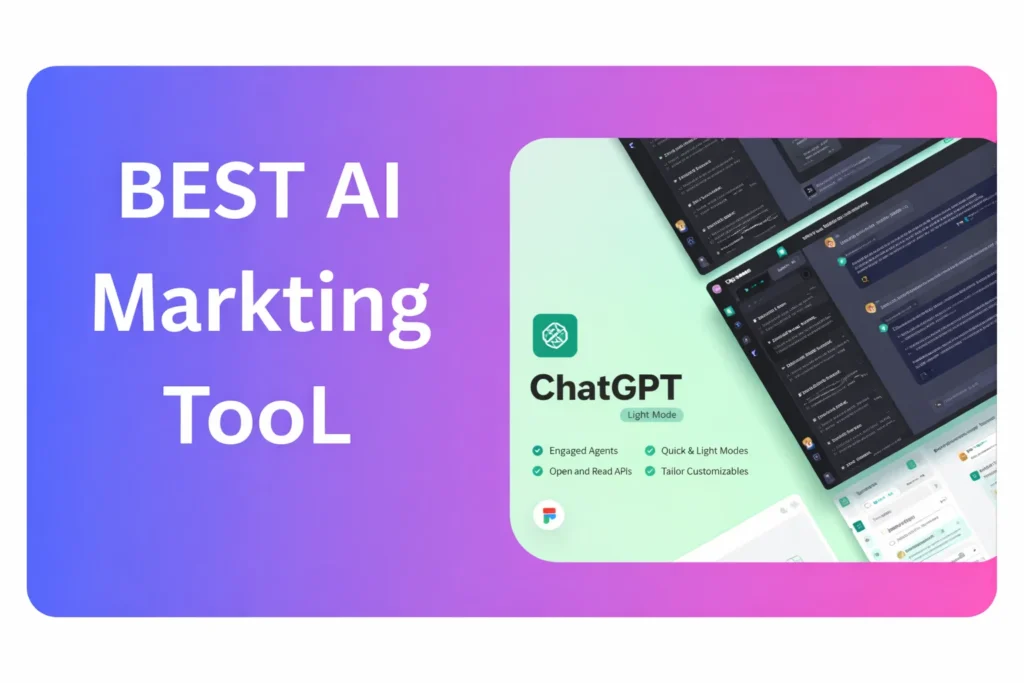
ChatGPT is an AI tool that helps businesses with SEA and AEO by generating ad copy, keywords, landing pages, app descriptions, and review responses. It saves time, improves targeting, boosts conversions, and enhances engagement. Free version offers basic drafts, while Paid (GPT-4) provides optimized, high-quality, and strategy-focused content.
What Is ChatGPT for Small Businesses?
OpenAI’s ChatGPT is an AI-powered assistant that helps small businesses create SEO content, ad copy, keywords, landing pages, and customer support scripts. It improves marketing efficiency, reduces content costs, and increases ROI through automation and high-converting content generation.
ChatGPT for High-Converting Ads & App Optimization
ChatGPT helps businesses improve SEA and AEO by generating ad copy, keywords, landing pages, app descriptions, and review responses. Free version gives basic drafts; Paid version provides optimized, high-quality, and strategy-focused content for better conversions and engagement.
ChatGPT for SEA (Search Engine Advertising)
| Use Case | ChatGPT Role | Business Benefit | Free vs Paid |
| Ad Copy Generation | Creates catchy, high-intent copy for Google Ads, Bing Ads, etc. | Saves time, allows multiple ad variations for A/B testing | Free: Basic short copy; Paid: Advanced creative, multiple formats |
| Keyword Ideas | Suggests relevant keywords and long-tail variations | Improves targeting, reduces CPC, increases ROI | Free: Limited keyword suggestions; Paid: Full keyword strategy support |
| Landing Page Content | Generates persuasive content aligned with ads | Improves Quality Score, boosts conversions | Free: Basic drafts; Paid: SEO-optimized, high-converting content |
| Campaign Structuring Suggestions | Provides ideas for ad groups, negative keywords, and audience segments | Increases campaign efficiency and performance | Paid: Advanced strategy insights |
Key SEA Benefits: Quickly generates high-intent ad copy, provides multiple variations for testing, improves ROI without extra writers.
ChatGPT for AEO (App Store / Advertising Engine Optimization)
OpenAI ChatGPT helps businesses optimize their app listings by generating keyword-rich descriptions, compelling promotional text, metadata suggestions, and professional review responses. It improves app visibility, increases downloads, and boosts user engagement. The free version provides basic drafts, while the paid version (advanced models) delivers ASO-optimized, conversion-focused, and strategy-driven content for better rankings and installs.
| Use Case | ChatGPT Role | Business Benefit | Free vs Paid |
| App Store Description Writing | Creates engaging, keyword-rich app descriptions | Improves app ranking and increases downloads | Free: Basic descriptions; Paid: ASO-optimized, conversion-focused |
| App Keywords & Metadata | Generates suggested search terms and metadata | Increases app visibility and installs | Paid: Advanced suggestions based on trends |
| Promotional Text & Updates | Writes app update notes and promotional text | Improves user engagement and retention | Free: Basic text; Paid: Optimized and creative |
| User Review Responses | Drafts polite and professional responses to reviews | Improves user satisfaction and app rating | Free: Simple templates; Paid: Personalized and context-aware |
Key AEO Benefits: Boosts visibility, downloads, engagement, and maintains consistent professional responses.
Google Gemini: Advanced AI for Search, Advertising, and Content Creation
Google Gemini is Google’s advanced AI system that enhances search, content creation, ads, and productivity tools using powerful machine learning. It helps businesses generate insights, improve search relevance, craft smart ads, and automate writing tasks. Free access offers basic AI features; paid/enterprise versions bring deeper analytics, customization, and business‑ready optimization.
What Is Google Gemini for Business?
Google’s Google Gemini is an advanced AI system designed to enhance search optimization, ad performance, keyword research, and app visibility. Businesses use it to generate insights, improve targeting, and optimize campaigns across Google’s ecosystem for better engagement and conversions.
Google Gemini: AI for Smarter Search & Ads
Google Gemini is Google’s advanced AI platform for search, ads, and app optimization. It helps businesses generate content, smart ad copy, keywords, and review responses, improving SEO, engagement, and ROI. Free access offers basic AI tools, while paid tiers unlock advanced features for professional use
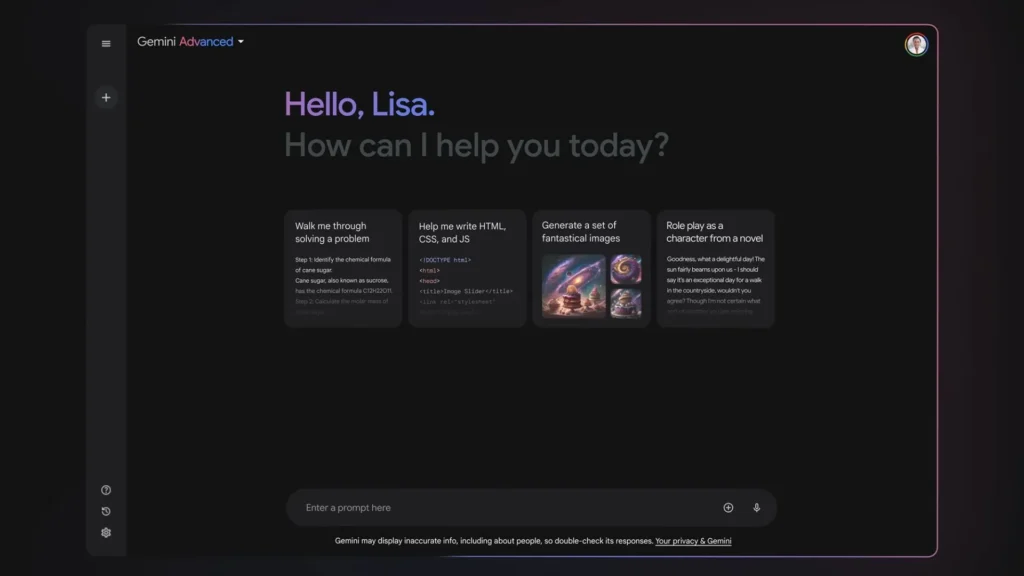
Google Gemini AI: Complete Guide for Search, Ads & App Optimization
| Section | Explanation | Business Benefit |
| 1. What is Google Gemini | Defines Google Gemini as Google’s advanced AI platform for search, content, ads, and productivity tasks using machine learning. | Helps businesses understand how to integrate AI into workflows. |
| 2. Key Features & Capabilities | Covers features like multimodal AI (text, image, video), reasoning, natural language understanding, and predictive insights. | Shows what AI can do to automate content, research, and analysis. |
| 3. Use in Search & Content Creation | Shows how Gemini improves search relevance, drafts content, summarizes data, and provides insights. | Helps businesses optimize SEO, blog writing, landing pages, and research. |
| 4. Ads & Business Optimization | Explains how Gemini assists in crafting smart ads, suggesting keywords, and analyzing performance. | Improves ROI on ads and saves time on copywriting. |
| 5. Integration with Google Ecosystem | Details how Gemini works with Gmail, Docs, Workspace, and other Google services. | Makes workflow smoother and AI-enhanced productivity easier. |
| 6. Free vs Paid Capabilities | Breaks down what features are available for free vs. in paid/advanced tiers. | Helps decide when a business should upgrade for better performance. |
| 7. Business Benefits | Summarizes real advantages like automation, improved search and ad performance, faster insights, and workflow optimization. | Shows ROI potential and efficiency gains. |
Approx Pricing
| Plan | Monthly Cost | Typical Audience |
| Free | ₦0 – Free | Everyday users, basic AI tasks |
| AI Pro / Advanced | ~$19.99 / ~₹1,950/month | Professionals, creators |
| AI Ultra | ~$249.99 / ~₹24,500/month | Companies, power users, enterprises |
Microsoft Copilot AI: Enhance Productivity, Streamline Tasks & Optimize Workflows
Microsoft Copilot is a powerful AI assistant built into Microsoft’s ecosystem that helps users generate content, summarize data, automate tasks, and enhance productivity across apps like Word, Excel, Outlook, and Teams. Free Copilot Chat offers basic AI chat and productivity features, while paid Microsoft 365 Copilot unlocks deeper integration, business analytics, custom agents, and enterprise‑grade tools for work optimization.
What Is Microsoft Copilot Used for in Companies?
Microsoft’s Microsoft Copilot is an AI productivity assistant integrated into Microsoft 365 apps like Word, Excel, and Outlook. It automates reports, emails, data analysis, and documentation, helping businesses save time, improve accuracy, and increase team productivity.
Microsoft Copilot AI: Productivity, Content, Automation & Business Growth
Microsoft Copilot is an AI assistant that boosts productivity, automates tasks, and assists with writing, meetings, and data analysis across Word, Excel, Outlook, Teams, and more. Free Copilot Chat offers basic AI help, while paid Copilot provides deep integration, advanced tools, and business‑grade automation.
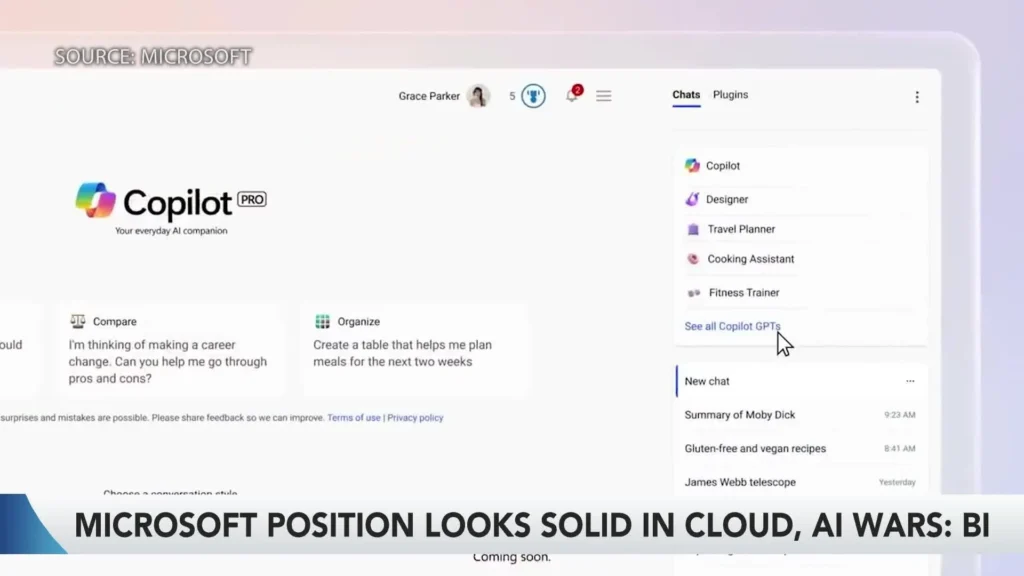
Microsoft Copilot AI: Complete Guide & Section Overview
| Section | Explanation | Business Benefit |
| 1. What is Microsoft Copilot? | Defines Copilot as Microsoft’s AI assistant embedded across apps and services. | Helps businesses understand core AI capabilities and use cases. |
| 2. Key Features & Capabilities | Lists features like AI chat, content drafting, data summaries, workflow automation, and integration with Microsoft 365 apps. | Shows how AI enhances productivity and collaboration. |
| 3. Use in Daily Work & Content Creation | Explains how Copilot assists with writing, summarizing emails, preparing docs, and generating ideas. | Saves time and improves quality of business communications. |
| 4. Task Automation & Business Optimization | Details how Copilot automates repetitive tasks, meeting summaries, and data analysis. | Helps reduce manual workload and increase efficiency. |
| 5. Integration with Microsoft Ecosystem | Describes Copilot’s integration with Word, Excel, PowerPoint, Outlook, Teams, and SharePoint. | Improves workflow continuity and collaboration across teams. |
| 6. Free vs Paid Capabilities | Compares basic Copilot Chat features with paid Microsoft 365 Copilot advanced tools. | Helps businesses choose the plan that fits productivity needs. |
| 7. Pricing & Plans | Outlines typical Copilot pricing for business and enterprise use. | Aids budgeting and decision‑making for AI adoption. |
| 8. Business Benefits | Summarizes productivity gains, automation advantages, collaboration improvements, and ROI potential. | Shows real impact on efficiency and operations. |
Canva AI: AI‑Powered Graphic Design, Content & Creative Automation
Canva AI is an integrated AI design and creativity platform that helps users and businesses generate visuals, text, and layouts with simple prompts. It offers features like Magic Write, text‑to‑image, background removal, smart resize, and collaboration tools to speed up design workflows. Free users get basic AI tools; paid plans unlock advanced templates, premium assets, and scalable features for marketing and branding
What Is Canva AI for Marketing?
Canva’s Canva AI is an AI-powered design solution that helps businesses create social media posts, ad creatives, presentations, and branding materials quickly. It enables non-designers to produce professional visuals, improving marketing consistency and visual performance
Canva AI: Quick Creative Design, Text & Visual Automation
Canva AI is a creative AI design tool that helps create visuals, text, layouts, and marketing content with simple prompts. It speeds up design tasks, automates resizing and editing, and supports collaboration. Free plans include basic AI tools, while paid subscriptions unlock advanced templates and premium features.
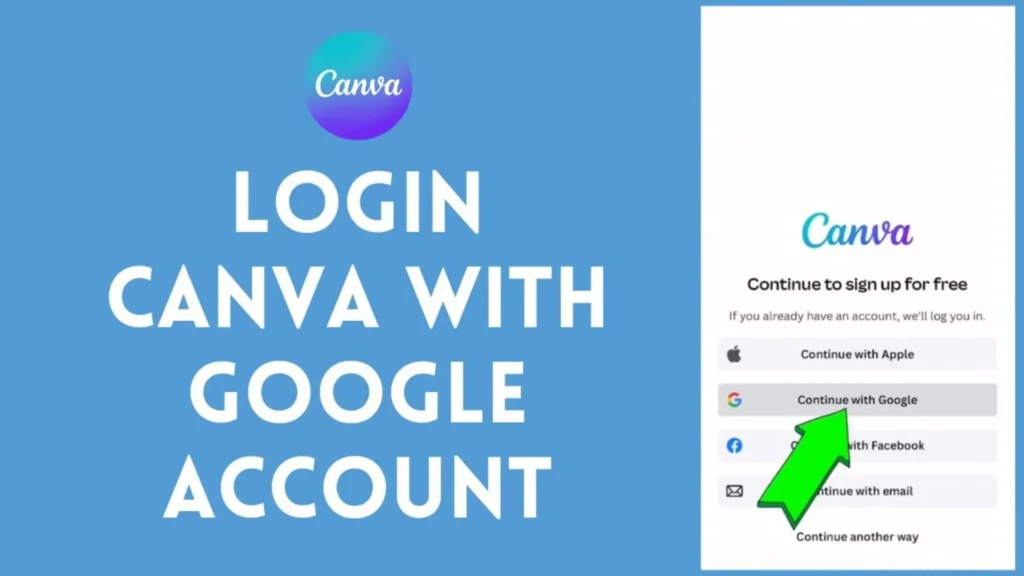
Canva AI: Complete Guide & Feature Overview
| Section | What It Explains | Business Benefit |
| 1. What is Canva AI? | Defines Canva AI as AI‑enhanced creative and design tools built into Canva’s platform. | Helps businesses understand core capabilities for design automation. |
| 2. Key Features & Capabilities | Covers features like Magic Write, text‑to‑image, layout suggestions, background remover, and templates. | Shows how AI speeds up visuals, content, and creative workflows. |
| 3. Use in Marketing & Social Media | Explains how Canva AI aids in social post creation, banners, ads, and video content. | Helps improve engagement and branding across platforms. |
| 4. Design Automation & Collaboration | Details tools for resizing, brand kit consistency, and real‑time teamwork. | Saves time and keeps designs on brand across teams. |
| 5. Free vs Paid Features | Compares what basic features free users get vs premium assets and templates. | Helps businesses decide on subscription for advanced needs. |
| 6. Pricing & Plans | Outlines typical Canva subscription costs and tiers. | Helps with budgeting and selecting the right plan. |
| 7. Business Benefits | Summarizes time savings, productivity, creativity boost, and ROI potential. | Shows practical uses for marketing, branding, and content teams. |
Free vs Paid Features + Pricing (Concise Explanation)
Free Tier (= Basic Canva + Free AI Tools)
- AI tools like Magic Write for text‑generation.
- Text‑to‑Image and smart templates basics.
- Simple resizing, background removal (limited).
- Access to basic templates and design assets.
Great for: beginners, small projects, quick visuals.
Paid Plans (Pro / Business / Enterprise)
- Access to premium templates, graphics & stock media.
- Advanced AI design tools with more output options.
- Brand Kit features, team collaboration workflows, priority features.
- More storage and higher limits on AI generations.
Typical Pricing: Pro starts around $12.99–$15/month.
Best for: businesses, marketers, social media managers needing scalable design and advanced AI creatives
MidJourney AI: Generate Stunning Visuals, Art & Creative Designs
MidJourney is an AI-powered design tool that helps users generate high-quality images, art, and creative visuals from text prompts. It’s widely used for concept art, marketing visuals, social media graphics, and digital storytelling. Free trials offer limited image generations, while paid plans unlock unlimited AI creations, higher resolution, and advanced features for professionals and businesses.
What Is Midjourney Used For?
Midjourney is an AI image generation tool that transforms text prompts into high-quality visuals, concept art, and marketing graphics. Businesses use it to create unique branding visuals, ad creatives, and product mockups without hiring expensive designers.
MidJourney AI: AI-Powered Image & Visual Solutions for Marketing and Creativity
MidJourney is an AI tool that transforms text prompts into high-quality visuals, art, and creative graphics for marketing, social media, websites, and storytelling. Free trials offer limited generations, while paid plans provide unlimited outputs, high resolution, and advanced AI features for professionals and businesses.
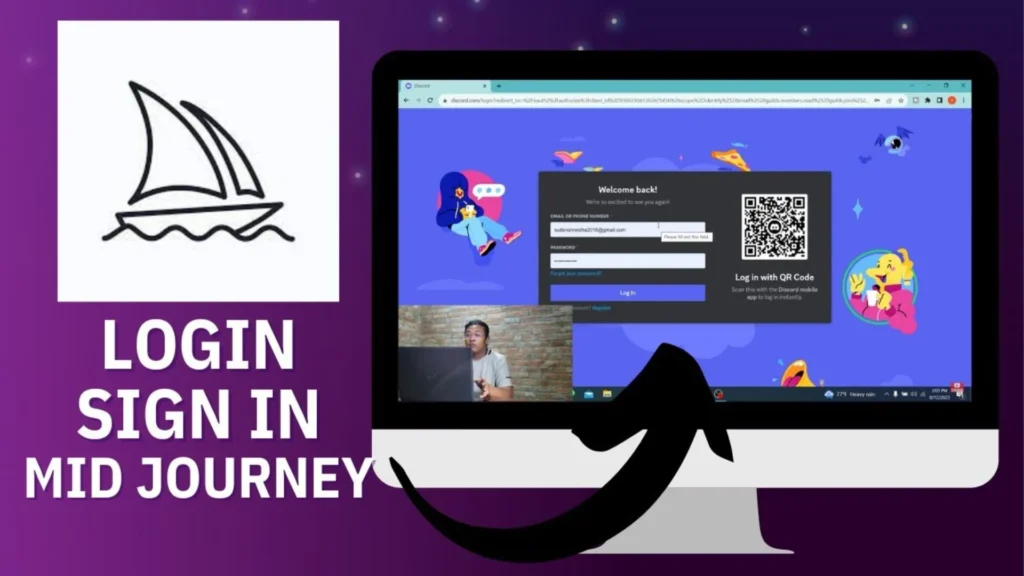
MidJourney AI: Complete Guide & Feature Overview
| Section | What It Covers | Business Benefit |
| 1. What is MidJourney? | Defines MidJourney as an AI tool for creating art, visuals, and designs from text prompts. | Helps businesses and creators understand AI-driven image generation potential. |
| 2. Key Features & Capabilities | Covers features like text-to-image, style variations, resolution options, prompt customization, and iterative improvements. | Shows how AI can streamline creative workflows and generate professional visuals. |
| 3. Use in Marketing & Content Creation | Explains how MidJourney helps create social media graphics, ads, website visuals, and concept art. | Improves engagement, branding, and visual storytelling efficiency. |
| 4. Collaboration & Community | Details MidJourney’s community features, shared galleries, and prompt libraries. | Inspires creativity, allows collaboration, and leverages community insights. |
| 5. Free vs Paid Features | Compares limited free trial usage with paid subscription benefits. | Helps businesses decide when to invest in full access for large-scale visual production. |
| 6. Pricing & Plans | Outlines subscription tiers, generation limits, and access to premium features. | Assists budgeting and choosing the right plan for professional or business use. |
| 7. Business Benefits | Summarizes time savings, cost efficiency, and scalable creative production. | Shows how AI-driven visuals can enhance marketing, advertising, and creative content output. |
Free vs Paid Features + Pricing
Free Tier
- Limited image generations per month.
- Access to basic MidJourney features and prompt input.
- Ideal for testing and small projects.
Paid Plans
- Unlimited image generation depending on the plan.
- Higher resolution outputs, faster generation times, and commercial use license.
- Advanced features like multi-prompt blending, style consistency, and private workspaces.
Typical Pricing: - Basic: ~$10/month
- Standard/Pro: ~$30–$50/month
Runway AI: AI-Powered Video & Image Creation for Marketing, Branding & Business
Runway AI is a powerful AI creative platform for generating and editing videos, images, and multimedia content using advanced generative models. It helps creators, marketers, and businesses create visuals from text prompts, edit media, and scale production quickly. Free plans offer limited credits and tools; paid tiers unlock advanced video generation, higher resolution, and more storage for professional use.
What Is Runway AI for Video Creation?
Runway is an AI-powered video creation and editing platform that offers text-to-video generation, background removal, and smart editing tools. It helps businesses produce promotional videos and social media content quickly and cost-effectively.
Runway AI: AI-Powered Video & Image Creation for Marketing and Creative Projects
Runway AI is a creative AI platform that generates and edits videos, images, and multimedia from text or prompts. It supports high‑quality visual content for marketing, social media, and branding. Free plans offer limited credits; paid subscriptions unlock advanced video generation, more storage, and professional features.
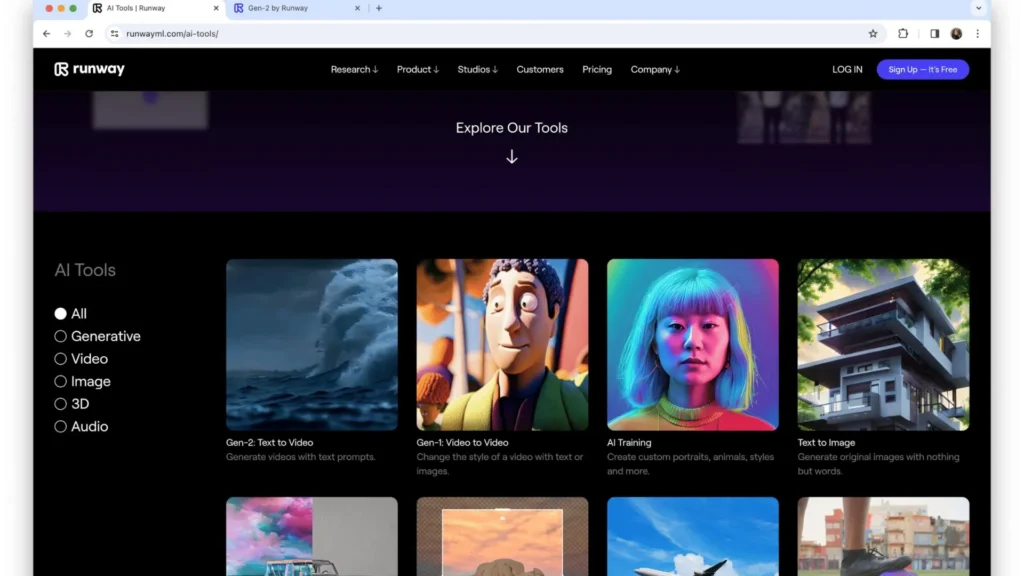
Runway AI: Complete Guide to Features, Pricing & Business Benefits
| Section | Explanation | Business Benefit |
| 1. What is Runway AI? | Defines Runway as a generative AI platform for creating and editing videos, images, and media from prompts. | Helps businesses understand how AI visuals can enhance content production. |
| 2. Key Features & Capabilities | Covers tools like text‑to‑video, image generation, advanced editing models (Gen‑4.5, Aleph), motion effects, and collaboration. | Shows how AI boosts efficiency in creative visual workflows. |
| 3. Use in Marketing & Visual Content Creation | Explains how Runway supports video ads, social media visuals, product promos, and storyboard creation. | Improves engagement and saves time on media production. |
| 4. Collaboration & Workflow Integration | Details workspaces, shared editing, and team asset management. | Enables team collaboration and scalable production. |
| 5. Free vs Paid Features | Compare what’s included in runway’s free plan vs paid subscriptions. | Helps businesses choose the right tier for their creative needs. |
| 6. Pricing & Subscription Plans | Outlines Standard, Pro, Unlimited, and Enterprise tiers with typical costs. | Assists with budget planning and feature selection. |
| 7. Business Benefits & ROI | Summarizes how Runway saves time, reduces costs, and scales visual content creation. | Shows practical use cases for marketing, ads, and media strategies. |
Runway AI Free vs Paid Features + Pricing (Short Overview)
Free Tier
- Free plan: Includes limited credits (125 one‑time) for video/image generation, 3 editor projects, and 5GB storage.
- Ideal for testing and basic creative experiments.
Paid Plans
- Standard (~$12/month): More monthly credits, unlimited projects, full generative tools, 100GB storage, and removal of watermarks.
- Pro (~$28/month): Higher credits, 500GB storage, custom voice options.
- Unlimited (~$76/month): Unlimited generation, enhanced models, priority tools.
Enterprise (Custom): Team workflows, analytics, advanced security.
Businesses can scale media creation with paid plans, benefiting from faster production, high‑resolution outputs, and collaboration features.
Jasper AI: AI Content & Copywriting Platform for Marketing and Business
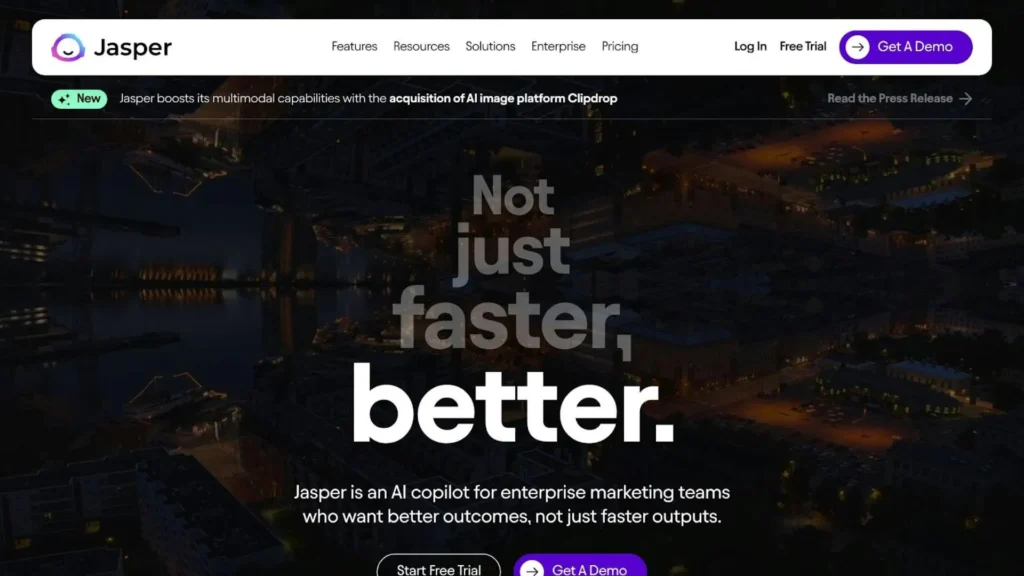
Jasper AI is an advanced AI writing and content platform designed for marketers, creators, and businesses to generate high‑quality copy, blogs, ads, emails, and SEO content quickly. It uses AI templates, brand‑voice customization, and collaboration tools to keep output consistent and on brand. Jasper offers a free trial; paid plans start at monthly subscriptions with advanced features and team capabilities.
What Is Jasper AI for Content Marketing?
Jasper is an AI writing assistant designed for marketers and businesses. It generates SEO blogs, ad copy, email campaigns, and product descriptions, helping brands scale content production while maintaining consistency and improving search visibility.
Jasper AI: Fast AI Copywriting & Content for SEO and Marketing
Jasper AI is an AI content creation platform that helps generate high‑quality blogs, ads, emails, and SEO content fast. It offers brand voice customization, templates, and collaboration tools. You can start with a free trial; paid plans unlock advanced features and
team tools.
Jasper AI: Complete Guide to Features, Plans & Business Benefits
| Section | Explanation | Business Benefit |
| 1. What is Jasper AI? | Defines Jasper as an AI writing assistant built for marketing and business content creation. | Helps understand core purpose and use cases. |
| 2. Key Features & Capabilities | Covers Jasper’s templates, brand voice settings, SEO mode, collaboration tools, and multi‑platform integrations. | Shows how AI speeds up writing workflows and ensures brand consistency. |
| 3. Use in Marketing & SEO Content | Explains how Jasper creates blogs, ads, emails, landing pages, and keyword‑optimized content. | Improves search rankings and content performance. |
| 4. Collaboration & Team Tools | Details how teams collaborate, share projects, and manage content. | Keeps multi‑person workflows organized and efficient. |
| 5. Free Trial & Usage | Shows what Jasper’s free trial offers and how to start. | Allows users to try core features before subscribing. |
| 6. Paid Plans & Pricing | Outlines subscription tiers like Creator/Pro/Business with typical costs and features. | Helps businesses choose the right plan for scale. |
| 7. Business Benefits & ROI | Summarizes time saved, brand consistency, content speed, and productivity boosts. | Highlights practical advantages for marketing and business use. |
Paid Plans & Pricing (Short Overview)
Free Trial
Jasper does not have a permanently free plan but offers a free trial so new users can test features before subscribing.
Paid Plans
- Creator / Pro (~$49–$69/month) – Basic AI writing features, SEO mode, browser extension, some customization.
- Teams (~$99–$125/month) – More seats, team collaboration, saved templates, Surfer SEO integration.
- Business (custom pricing) – Advanced features like API access, unlimited brand voices, analytics, and enterprise support.
Typical pricing:
• Creator plan roughly $49/month
• Pro plan roughly $59–$69/month
• Teams plan around $99–$125/month
• Business plan is custom quoted based on needs
AI Tools Comparison for Small Businesses (2026)
| Tool | Best For | Free Plan | Starting Price | SEO | Ads | Design | Video |
| ChatGPT | Content & Ads | Yes | ~$20/mo | ✅ | ✅ | ❌ | ❌ |
| Google Gemini | Search & Ads | Yes | ~$20/mo | ✅ | ✅ | ❌ | ❌ |
| Microsoft Copilot | Productivity | Limited | ~$30/mo | ✅ | ❌ | ❌ | ❌ |
| Canva AI | Graphic Design | Yes | ~$13/mo | ❌ | ✅ | ✅ | ❌ |
| MidJourney | AI Images | Trial | ~$10/mo | ❌ | ❌ | ✅ | ❌ |
| Runway | AI Video | Yes | ~$12/mo | ❌ | ❌ | ❌ | ✅ |
| Jasper | SEO Content | Trial | ~$49/mo | ✅ | ✅ | ❌ | ❌ |
Frequently Asked Questions (FAQs)
1. What are the best AI tools for small businesses in 2026?
The best tools include ChatGPT for content and ads, Google Gemini for search and analytics, Microsoft Copilot for productivity, Canva AI for graphics, MidJourney for visuals, Runway for video creation, and Jasper for marketing copy. These tools help automate marketing, design, and workflow tasks.
2. Are AI tools affordable for small businesses?
Yes. Most AI platforms offer free plans or trials with basic features. Paid plans typically start between $10–$30 per month, making them affordable compared to hiring full-time marketers, designers, or content writers.
3. How can AI improve advertising performance for small businesses?
AI tools generate high-converting ad copy, suggest keywords, optimize targeting, and analyze campaign data. This helps reduce CPC, improve ROI, increase conversions, and create multiple ad variations for A/B testing.
4. Can AI tools help with SEO and content marketing?
Yes. AI tools assist with keyword research, blog writing, landing page creation, meta descriptions, and content optimization. They help improve search rankings, engagement, and organic traffic while saving time.
5. Should small businesses use free or paid AI plans?
Free plans are ideal for testing and small tasks. However, paid plans unlock advanced features like higher-quality outputs, deeper analytics, team collaboration, and automation which are better for scaling and long-term business growth.
Conclusion
AI tools like ChatGPT, Google Gemini, Microsoft Copilot, Canva AI, MidJourney, Runway, and Jasper are revolutionizing business operations in marketing, content creation, SEO, app optimization, and productivity. Using free versions helps test features, while paid subscriptions unlock advanced capabilities, helping businesses save time, reduce costs, increase engagement, and boost ROI.